

1
Step 1 · Quote it, on site
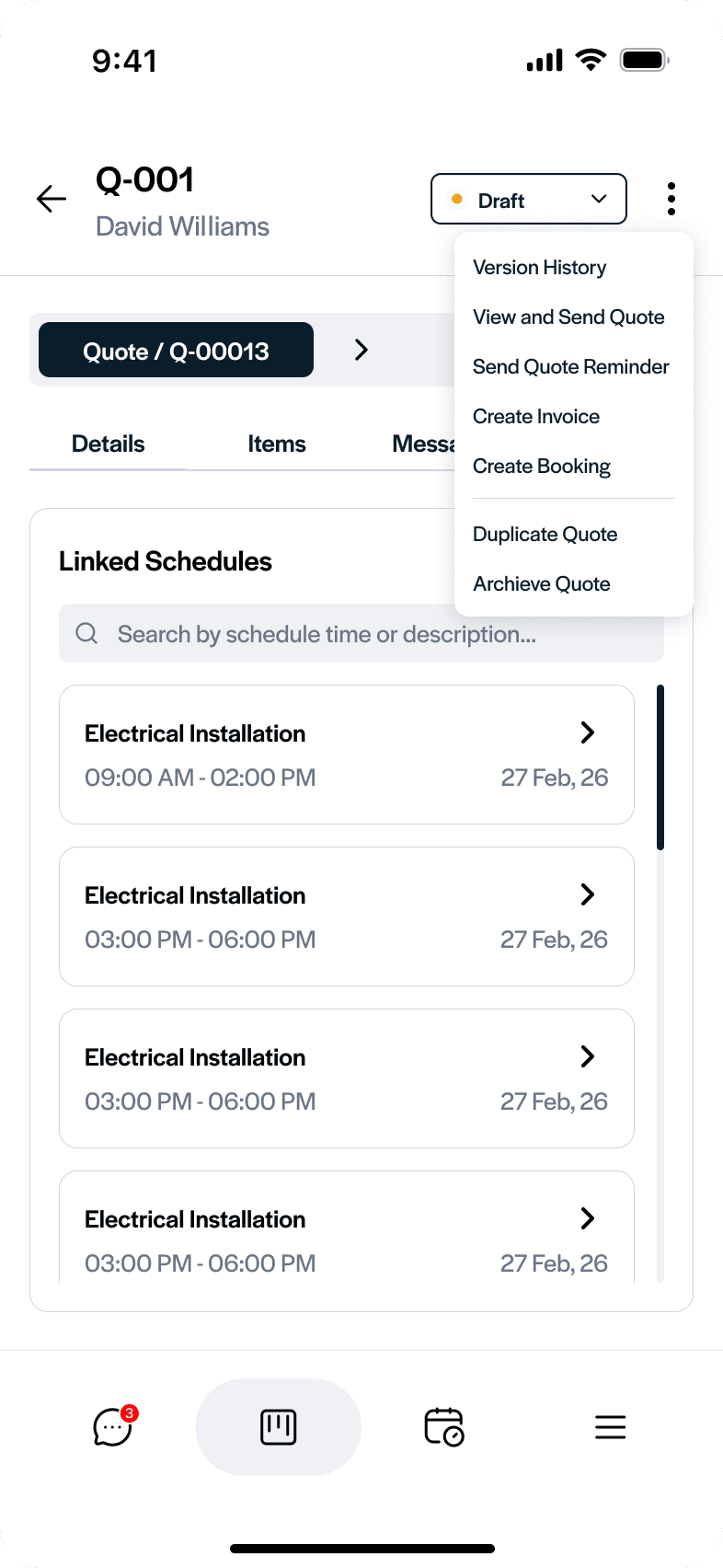
Price the job while you’re stood in it — pull materials and labour from your own catalogue and send it before you leave.
Try it — build a quote ↓


2
Step 2 · Invoice it, from the van
Turn the finished job into an invoice in seconds — deposit, progress claim or final — and send it on your letterhead.
Tap through — send an invoice ↓
3
Step 3 · Run the lot from your pocket
Bookings, quotes, invoices, customers and your price list — tap through the whole app.
Have a poke around ↓
Pricing that stays consistent
Rough pricing feels quick at first, but across repeat jobs it quietly costs money — a missed material line or two hours of underpriced labour only shows once the margin has gone. FieldHive builds your price list out of real jobs, so the next quote starts from what the last one actually cost.
Bookings you can see coming
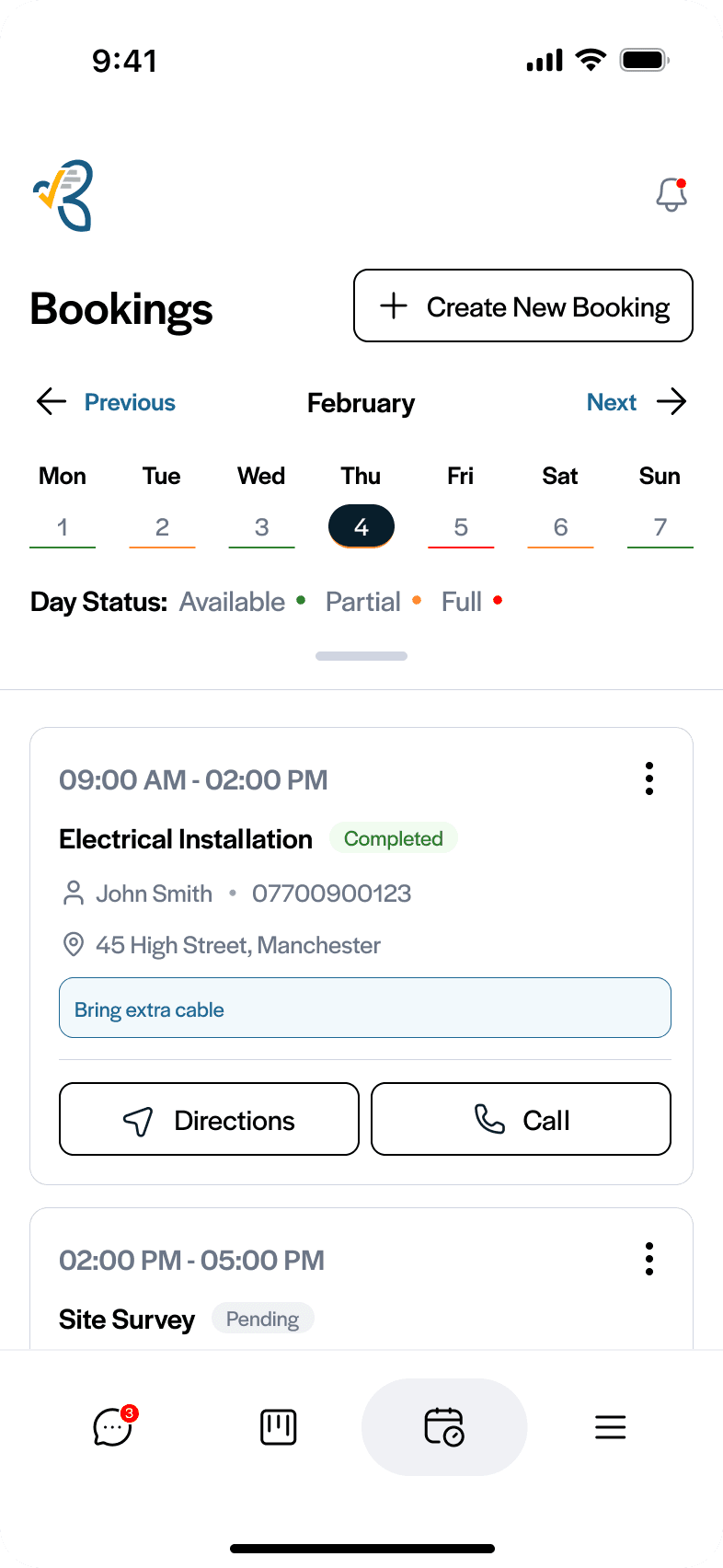
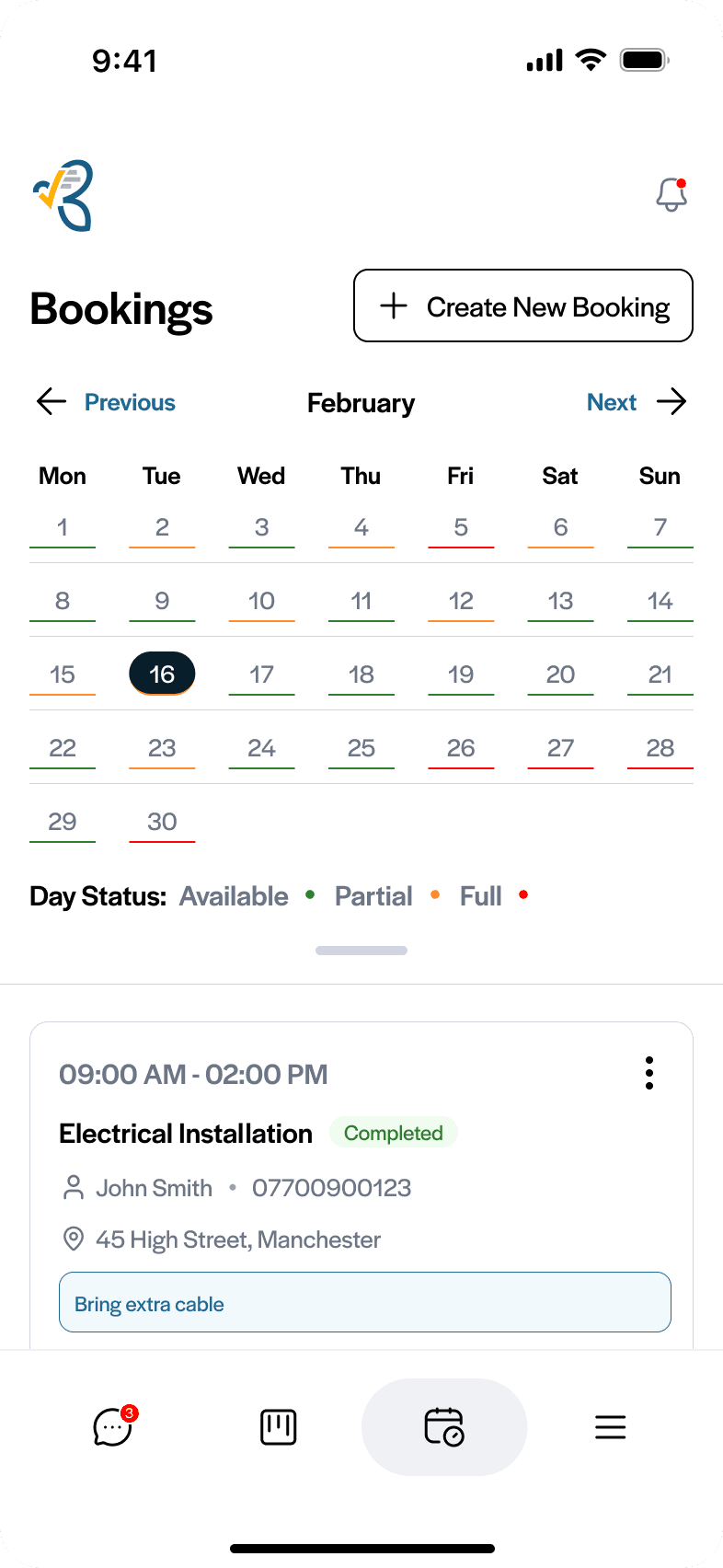
At one job a day, overbooking is rare. At five it happens without noticing. Every booking stays attached to the same job record, so the timing, the scope and the price stay aligned — and you can see where the day is already full before you promise it.
Records that never need rebuilding
Most systems feel fine at the start; the problems arrive later — quotes rebuilt from scratch, customer details duplicated in two places, job history hard to follow. One connected record carries the job from enquiry to quote to booking to invoice to payment.
“I built FieldHive because I was sick of watching good tradesmen lose evenings to admin. It’s the app I’d want in my own van — nothing you don’t need, everything you do.”
— Daniel, founder
Start free — because you shouldn’t pay before it’s earned its keep on a real job.
Free plan · no card needed


